
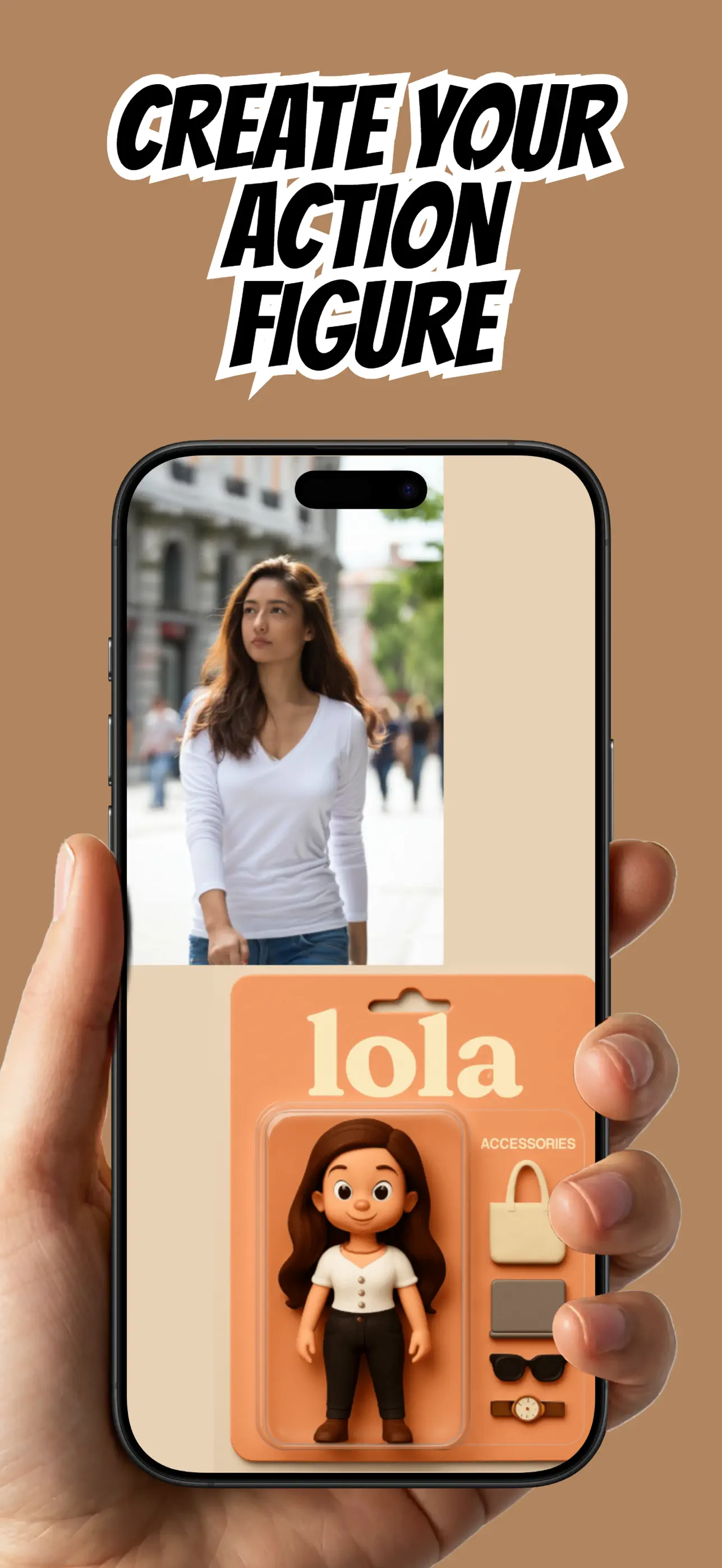
Plushie-style art translates a real subject into soft shapes, fabric-like texture, and simplified features. A strong outline and visible expression matter more than tiny photographic detail.
ToyMe lets you create this digital stuffed-toy look from a portrait without sewing, modeling, or prompt writing.
Choose a silhouette-first photo
Pick a pose where the head, body, arms, ears, or other defining shapes do not merge into the background. Plushie art depends on readable form.
For a person, a centered waist-up or full-body image works well. For a pet, keep the ears, paws, tail, and coat pattern visible where possible.
Use color contrast
Place a dark subject against a lighter background or a light subject against a deeper tone. Clear separation helps the digital plush outline remain intact.
Simple clothing and bold colors translate more clearly than dense patterns, especially after the design is reduced to toy-like shapes.
Apply a plush style in ToyMe
Import the photo and select a plushie or stuffed-toy direction. Generate the image and look for the traits that carry the subject's personality: expression, hair, ears, markings, or favorite outfit.
Try another source photo if the pose is difficult to understand. A clean silhouette often improves the result more than repeated generation from a confusing image.
Share the digital plushie
Save the image or sticker for chats, social posts, and digital keepsakes. The result represents plushie-style artwork, not instructions or a pattern for manufacturing a physical stuffed toy.
Keep the original nearby for a satisfying before-and-after presentation.
Put the guide into practice
Try it in ToyMe
ToyMe is an AI action figure generator and photo-to-toy app for making digital action figures, dolls, plushies, and playful collectibles from a selfie.

Common questions
FAQ
Can I make a pet plushie image?+
Yes. Use a photo that clearly shows the pet's ears, face, outline, and distinctive coat markings.
Does ToyMe ship a stuffed toy?+
No. It creates a digital plushie-style image or sticker.