
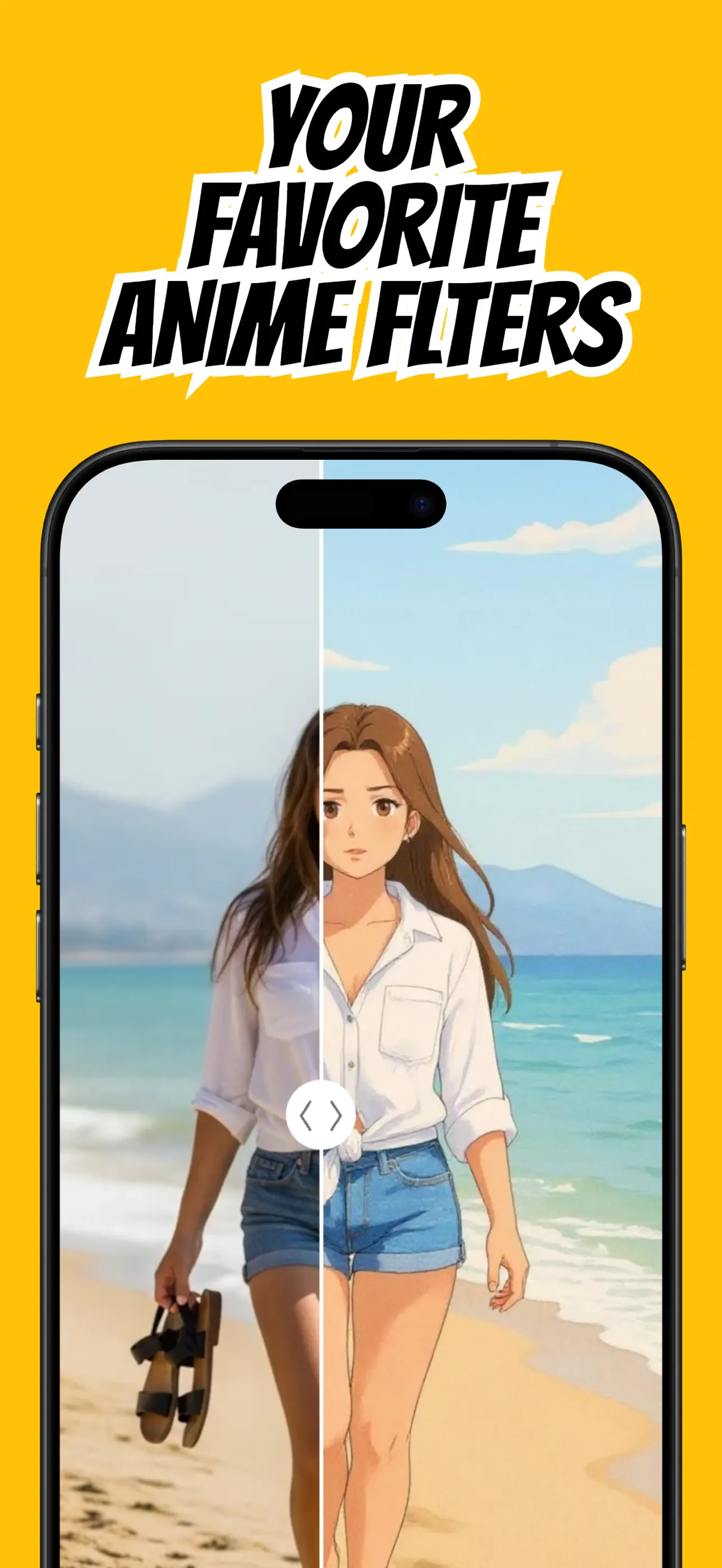
A strong anime profile picture has two jobs: it should feel like you and remain recognizable when displayed at a very small size. That makes composition more important than elaborate scenery.
Use AnimAIte to create the art, then make a deliberate crop for the platform where you plan to use it.
Take an avatar-friendly selfie
Use a head-and-shoulders photo with your eyes visible and your face near the center. Leave space above your hair and beside your shoulders so a circular crop does not cut into important features.
Choose a simple background and soft light. High contrast between your hair, clothing, and background helps your silhouette remain readable after the anime transformation.
Choose a style that matches your identity
A profile picture is a repeated personal signal, so pick a style you will enjoy seeing often. Bright colors feel playful; softer rendering can feel calm; bold line work reads especially well at small sizes.
Keep one or two signature details visible—glasses, hairstyle, favorite color, or an expressive pose. These details help an AI avatar feel personal rather than generic.
Generate and inspect the details
Create the portrait in AnimAIte and check the eyes, hairline, accessories, and clothing. If the image feels too busy, try another style or a tighter source crop.
Save the full-resolution image before creating platform-specific versions. That master gives you room to adjust the crop later without regenerating the artwork.
Crop for a circle, not a square
Most social apps show avatars inside circles even when they accept square files. Preview a circular crop and keep your face inside the central safe area.
Test the image at thumbnail size. If the expression is still clear and the silhouette is distinct, the anime profile picture is ready to use.
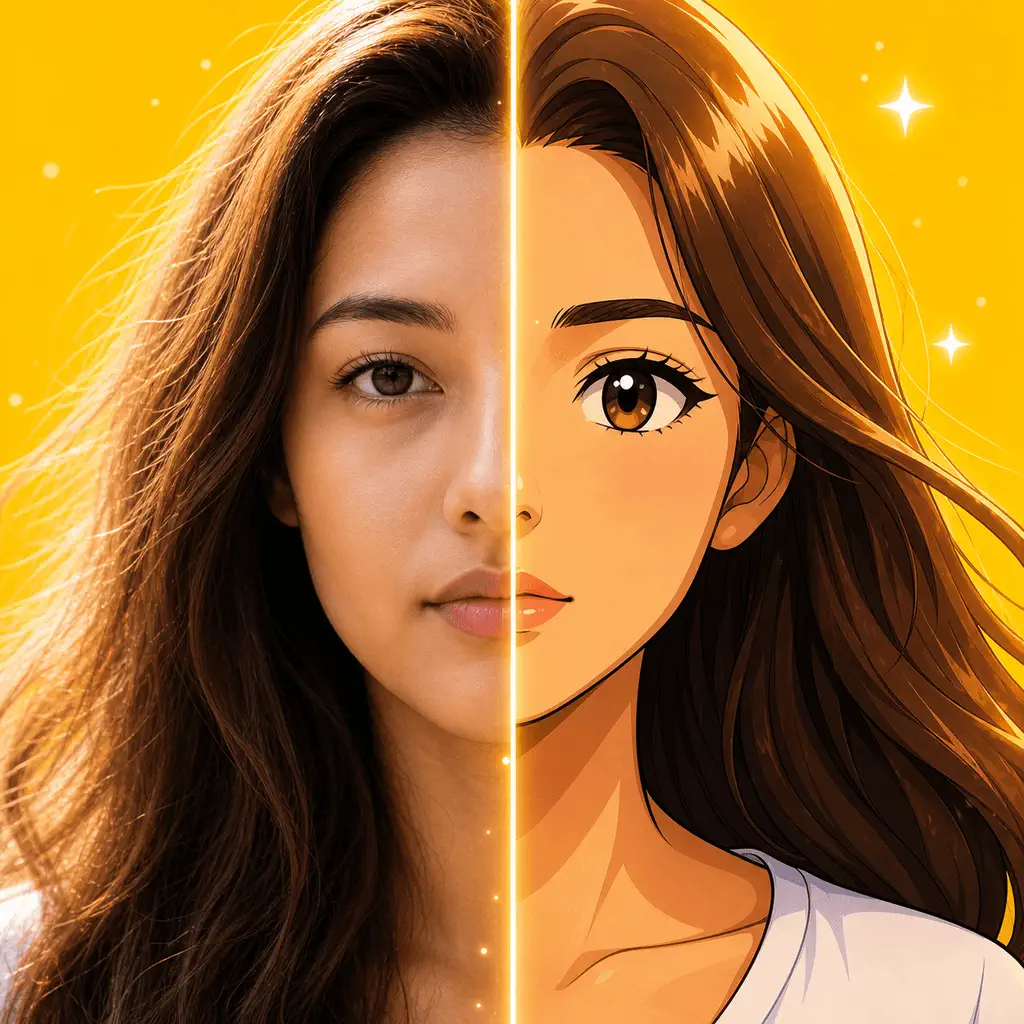
Put the guide into practice
Try it in AnimAIte
AnimAIte is an AI anime filter and avatar maker that transforms selfies, portraits, pets, and travel photos into expressive anime and cartoon artwork—without complicated editing.

Common questions
FAQ
Should I smile in the source photo?+
Use the expression you want the avatar to communicate. A natural, visible expression gives the style more character to work with.
Can I change my avatar later?+
Yes. Save several versions from different styles so you can rotate your profile image without starting over.