
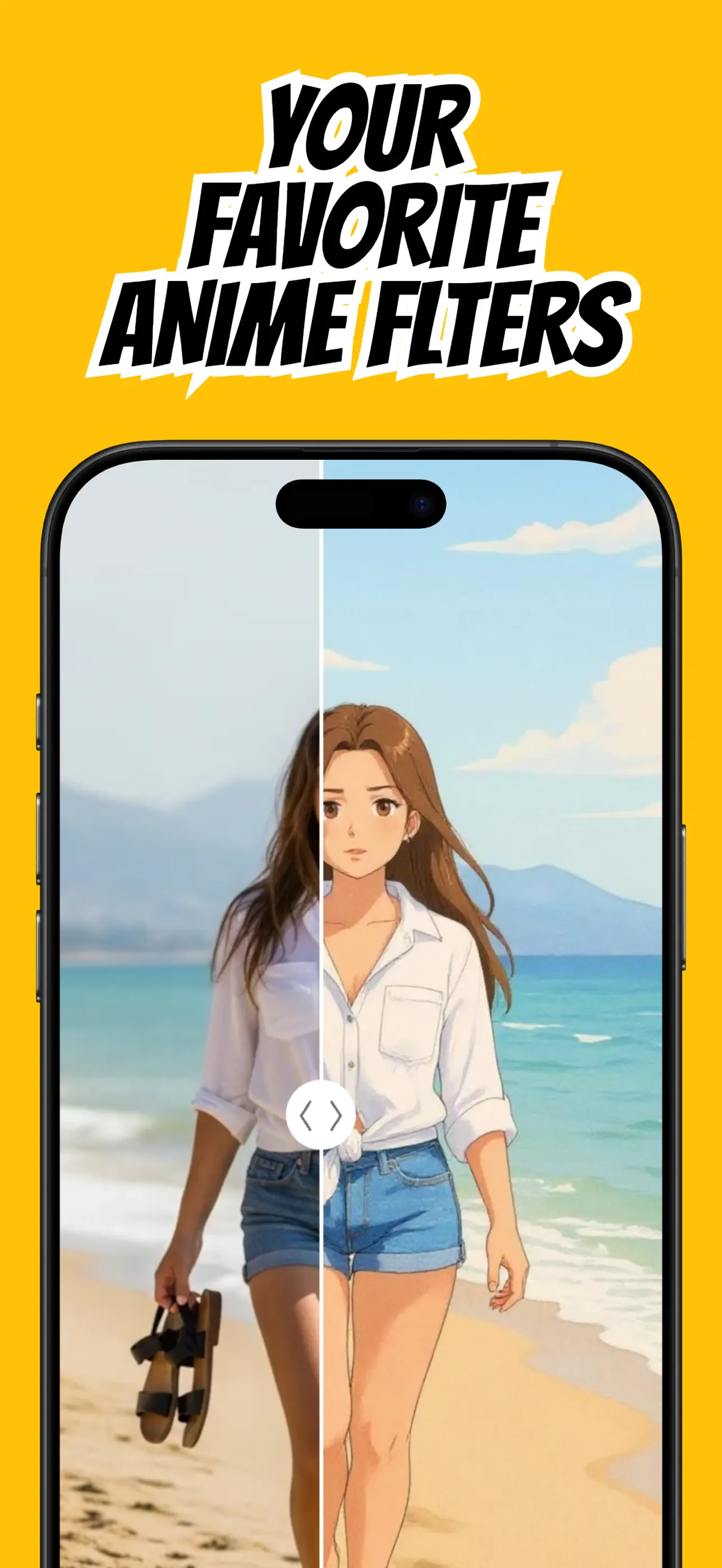
The filter matters, but the source photo sets the ceiling for the result. A clear image gives an AI anime filter dependable information about the face, pose, hair, and scene.
Use this checklist before opening AnimAIte to improve the odds of a clean first generation.
Prioritize focus and resolution
Use the original photo rather than a screenshot of a compressed social post. Fine details such as eyes, hair texture, and accessories are easier to preserve when the image is sharp.
Avoid motion blur and heavy beauty filters. Existing effects can hide edges or create textures that become exaggerated during the anime restyle.
Use soft, even light
Face a window or stand in open shade. These conditions reveal facial shape without strong patches of shadow or overexposed highlights.
Backlighting can work for a dramatic scene, but it is less reliable for a recognizable avatar because the face may be too dark compared with the background.
Make the subject obvious
One person usually gives the cleanest portrait result. If you use a group photo, make sure faces do not overlap and each person has enough visual space.
For pets, show the eyes, ears, muzzle, and body outline. For landscapes, choose a frame with a clear building, person, path, or horizon that anchors the composition.
Match the crop to the outcome
Use a close portrait for an anime avatar and a wider image for a poster-like scene. Do not crop so tightly that hair, hats, ears, or meaningful clothing details are cut off.
Once the photo passes these checks, import it into AnimAIte and compare a few styles. Good input gives every style a stronger foundation.
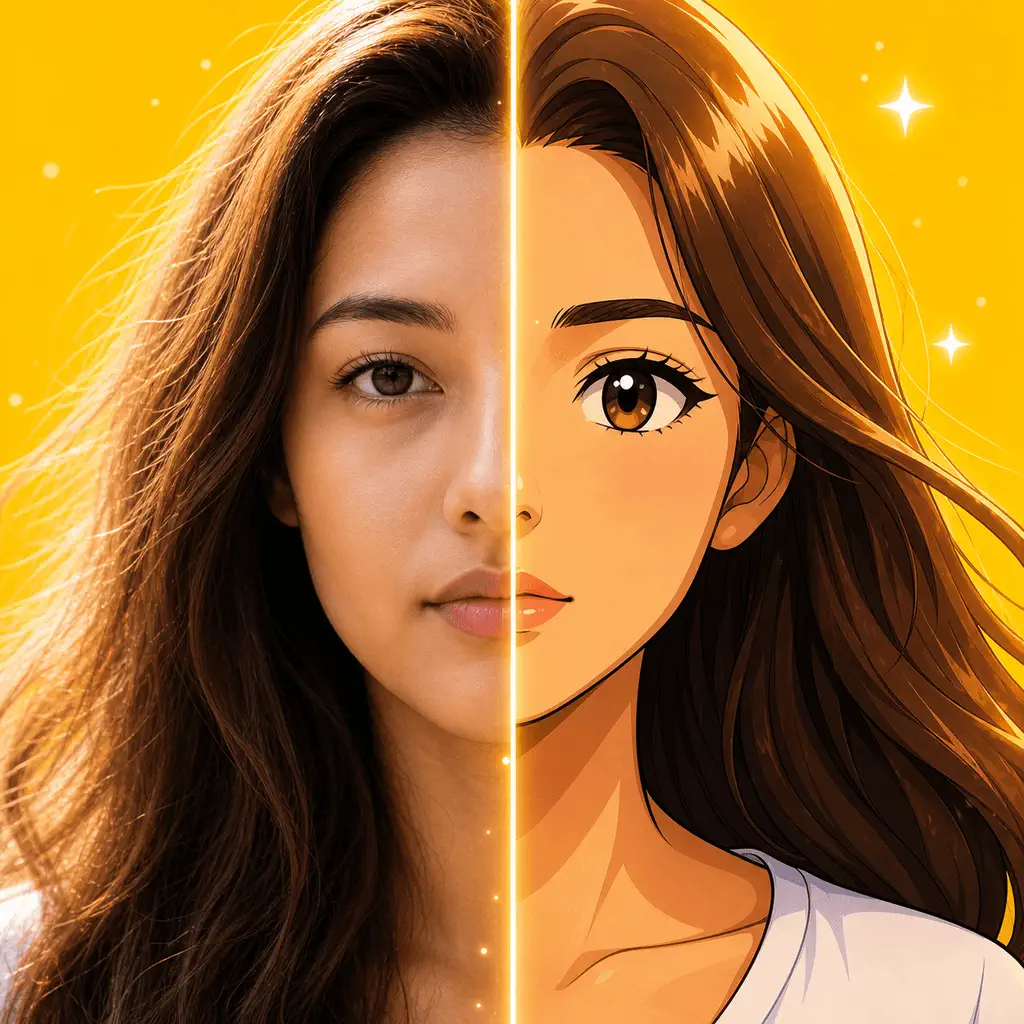
Put the guide into practice
Try it in AnimAIte
AnimAIte is an AI anime filter and avatar maker that transforms selfies, portraits, pets, and travel photos into expressive anime and cartoon artwork—without complicated editing.

Common questions
FAQ
Will a low-light selfie work?+
It may, but a brighter photo usually preserves more facial information and produces a more recognizable result.
Are group photos supported?+
They can work, but a single subject is more predictable. Keep faces separated and clearly visible if you use a group image.