
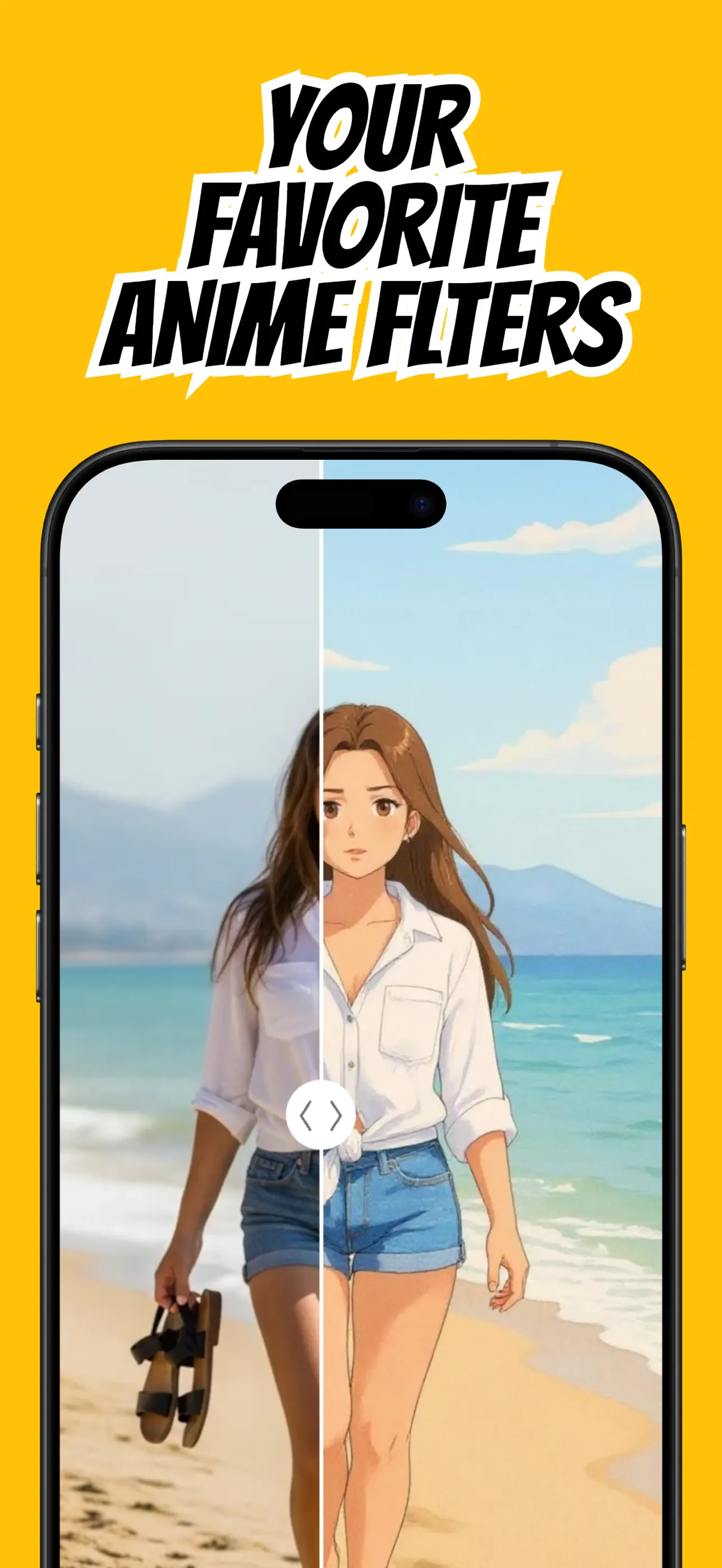
Turning a photo into anime works best when the AI can clearly understand the person, pet, or scene you want to restyle. You do not need a studio portrait, but the source image should have an obvious subject and enough light to show its defining features.
AnimAIte simplifies the process to a photo, a style, and a generation. The steps below help you get a result that still feels like the original picture while gaining the color, line work, and expression of anime art.
Start with a photo the filter can read
Choose a sharp image with the subject in focus. For people, a front-facing or three-quarter portrait usually preserves the face more reliably than a distant group photo. For full scenes, make sure the main person or object is not lost in a busy background.
Even lighting is more useful than dramatic darkness. Window light or open shade reveals the eyes, hair, and clothing without hard shadows, giving the AI anime filter better information to reinterpret.
Choose the anime mood you want
Think about the finished use before selecting a style. A clean, bright treatment suits an anime profile picture; a more cinematic style can make a travel photo or landscape feel like a story frame.
Try more than one style when the first result is close but not quite right. Each style emphasizes different colors, facial proportions, and textures, so the same selfie can support several distinct outcomes.
Create it in AnimAIte
Open AnimAIte, choose your source photo, and select an anime or cartoon style. Generate the image and compare it with the source: look for the details that make the subject recognizable, such as hairstyle, expression, clothing color, or a pet's markings.
Save the version that best matches your intent. If you plan to use it as an avatar, crop a copy rather than overwriting the full portrait so you keep options for posts and wallpapers.
Prepare the result for sharing
Profile pictures are often displayed as small circles. Keep the face near the center and avoid placing important details at the corners. For social posts, the uncropped result usually tells a fuller visual story.
Use photos you own or have permission to transform. AI styling is most rewarding when it is a playful reinterpretation of your own memories, identity, or creative work.
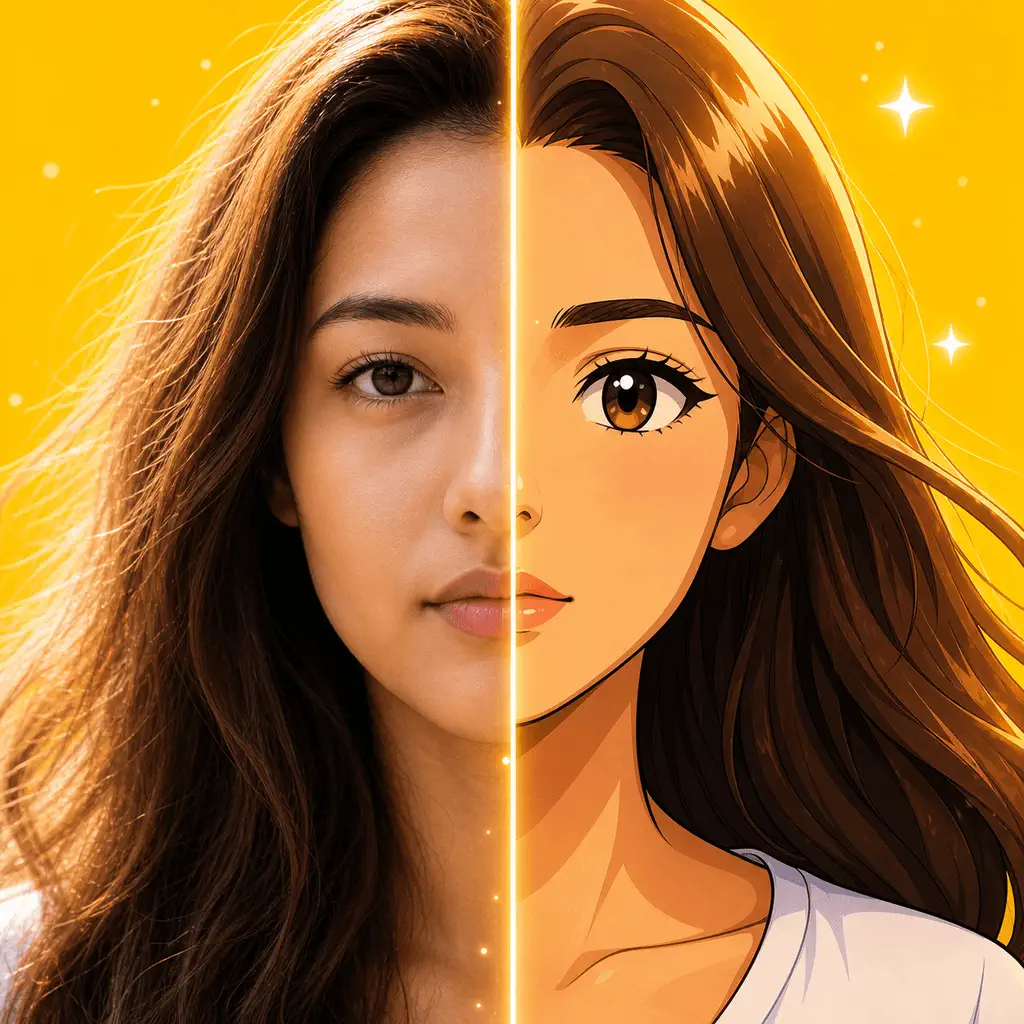
Put the guide into practice
Try it in AnimAIte
AnimAIte is an AI anime filter and avatar maker that transforms selfies, portraits, pets, and travel photos into expressive anime and cartoon artwork—without complicated editing.

Common questions
FAQ
Do I need to write an anime prompt?+
No. AnimAIte uses selectable styles, so you can create the effect without prompt writing.
Can I use a landscape photo?+
Yes. Landscapes can work well, especially when they have a clear focal point and distinct foreground and background.