Recognizably you
Keep the personality of your original photo while exploring a fresh anime or cartoon look.
 Haumea Labs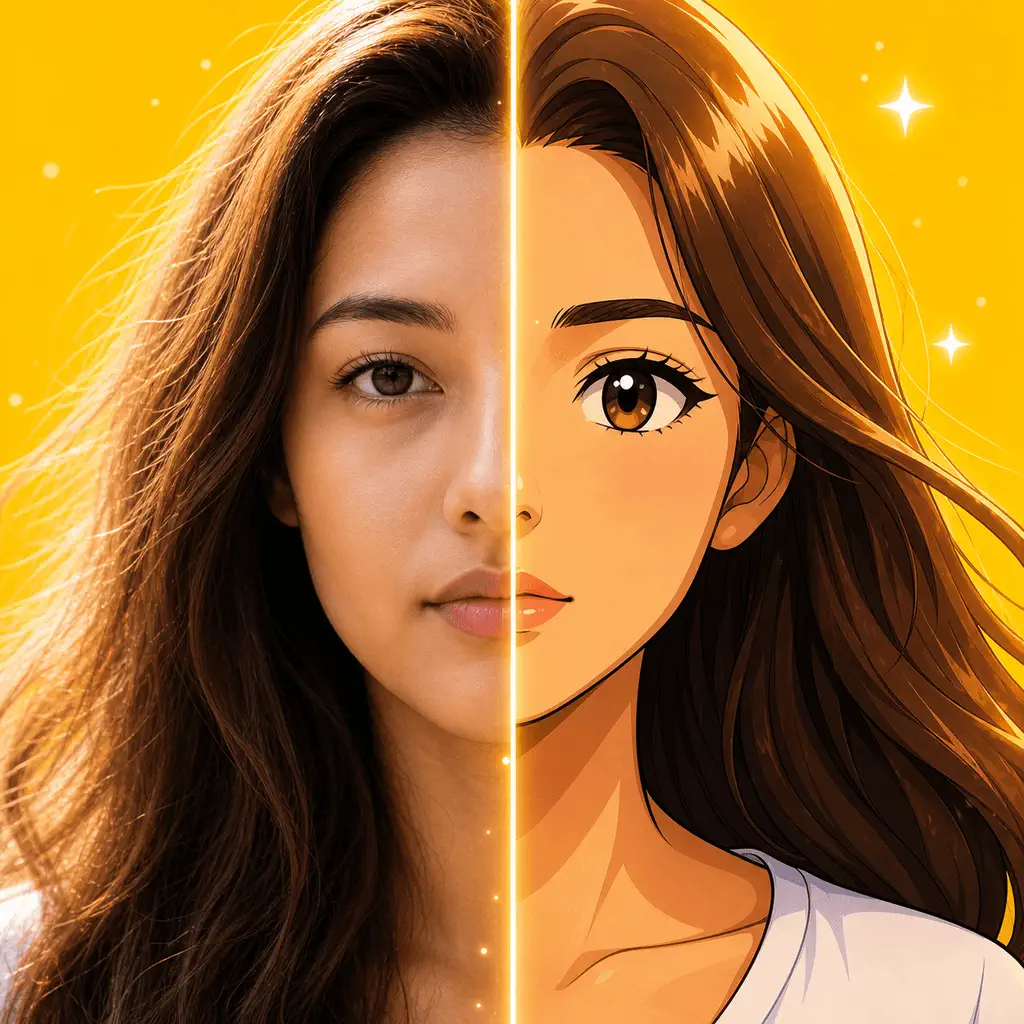
Your photo. Your anime era.
AnimAIte is an AI anime filter and avatar maker that transforms selfies, portraits, pets, and travel photos into expressive anime and cartoon artwork—without complicated editing.
Available on App Store and Google Play


Built around the outcome
Keep the personality of your original photo while exploring a fresh anime or cartoon look.
Create an anime profile picture, post, or playful portrait and save it straight to your device.
Choose a photo and a style. AnimAIte handles the transformation without layers, masks, or prompts.
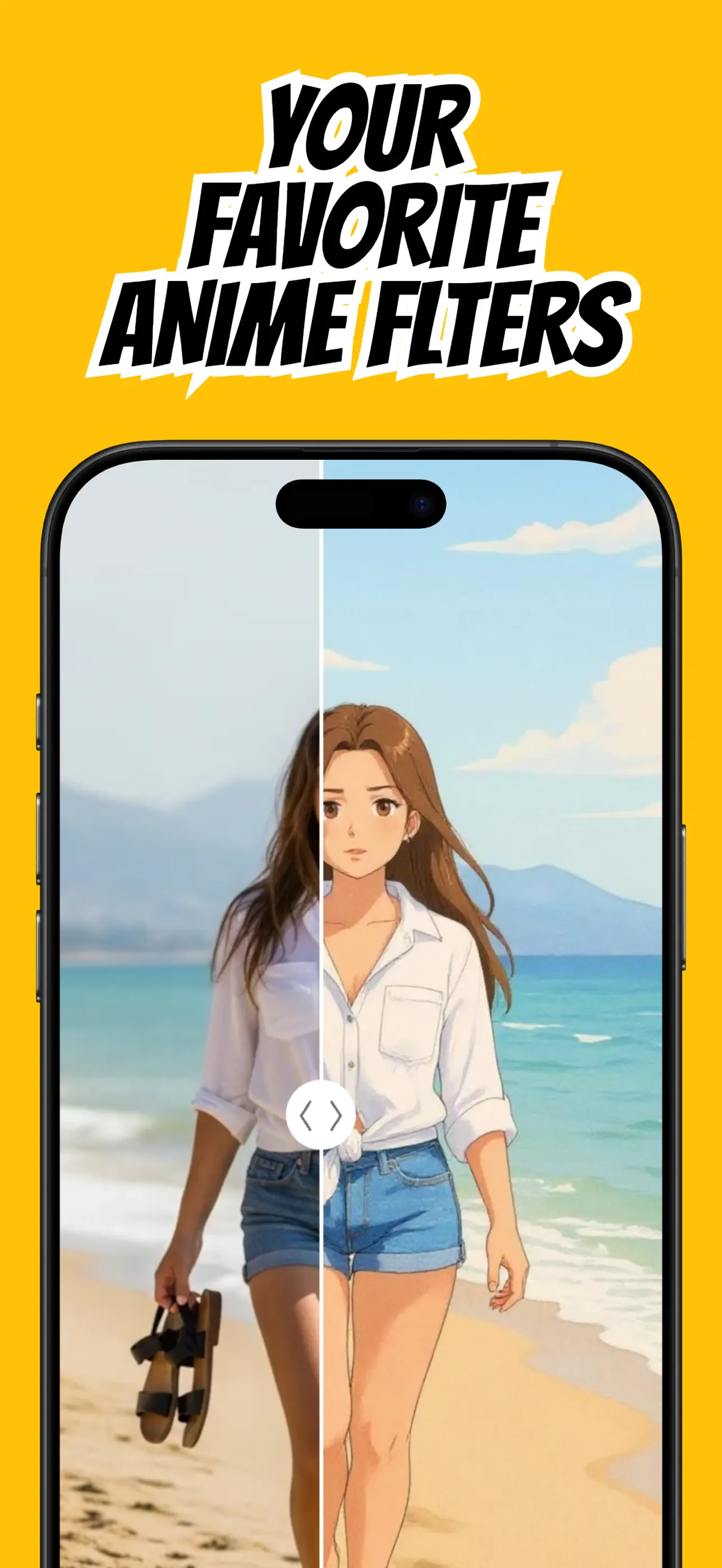
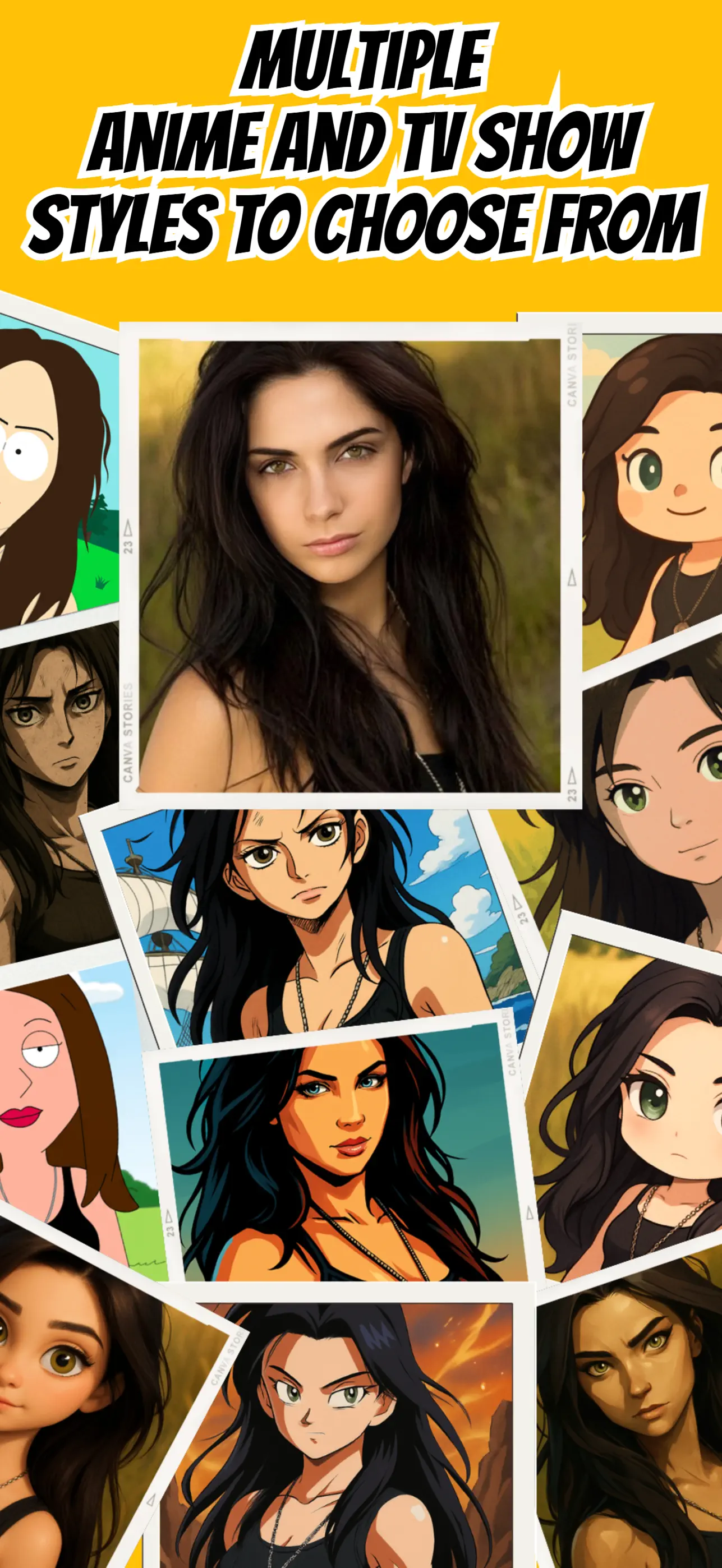
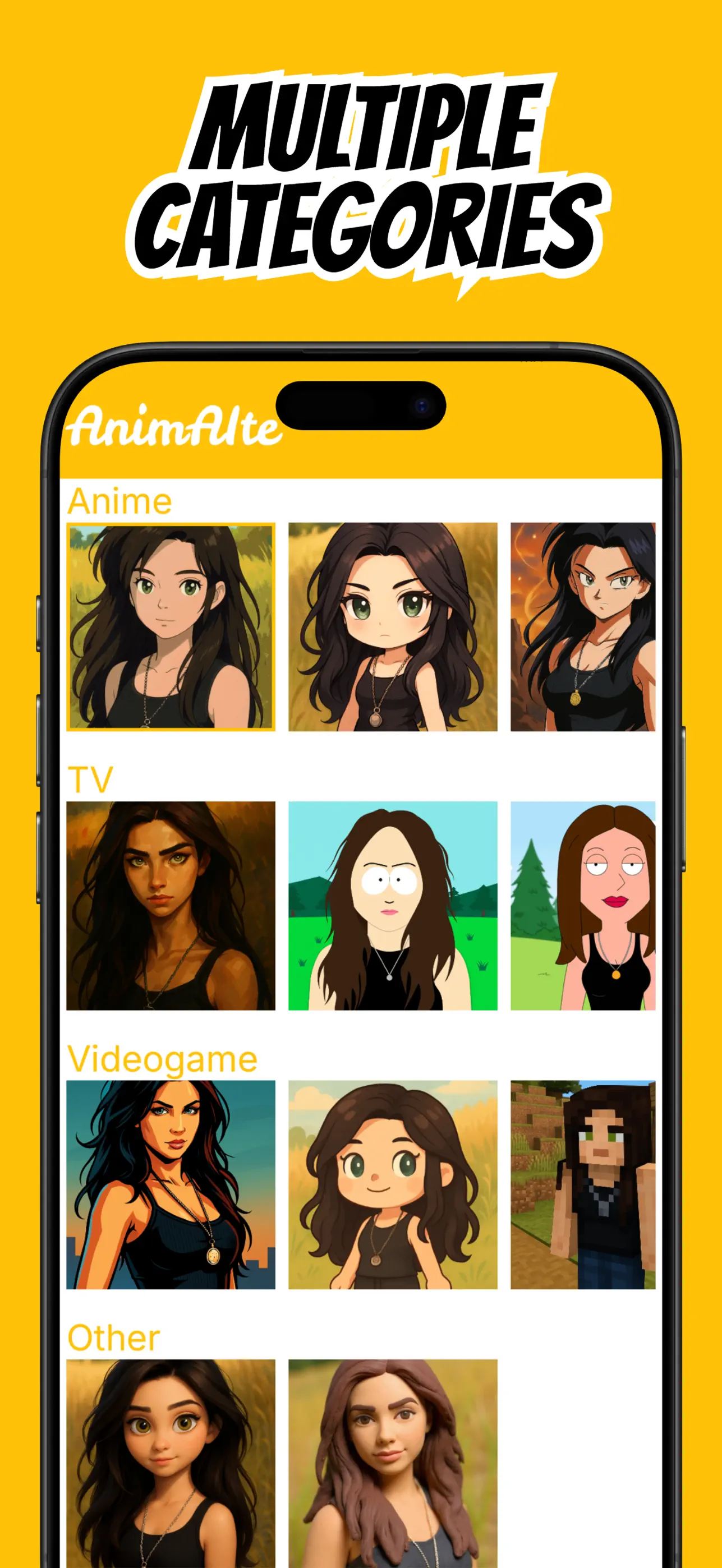
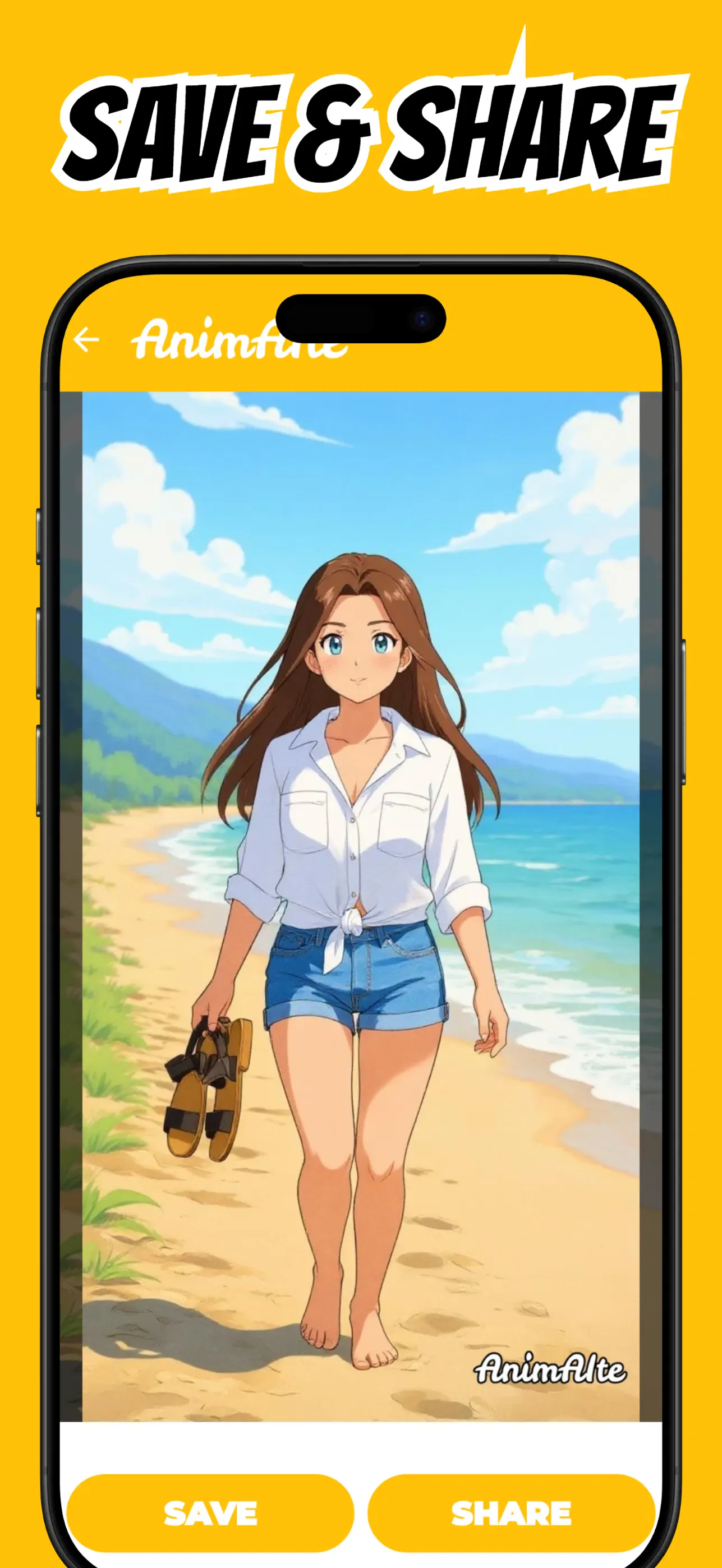
Real App Store screenshots
Every image below comes directly from the current App Store listing.
How it works
The app handles the technical work so you can focus on choosing the result that feels right.
Pick a selfie, portrait, pet picture, or scene with a visible subject and good lighting.
Browse anime, cartoon, and artistic filters to find the mood that fits your picture.
Create your result, save your favorite, and use it as a profile picture or social post.
Practical guides
Detailed, intent-specific help—then a direct path to doing it in AnimAIte.
A practical photo-to-anime guide for choosing a source image, applying an AI anime filter, and saving a share-ready result with AnimAIte.
Read the guide ↗Guide 02Create an anime profile picture that stays readable in a small circular avatar using a clear selfie and AnimAIte's AI anime styles.
Read the guide ↗Guide 03Learn which lighting, poses, backgrounds, and crops help an AI anime filter produce clearer, more recognizable portraits.
Read the guide ↗Guide 04Use a one-tap cartoon photo editor on iPhone to turn a selfie into a shareable character portrait without layers or drawing tools.
Read the guide ↗Guide 05Choose a clear pet portrait, preserve distinctive markings, and create a playful anime-style pet picture with AnimAIte.
Read the guide ↗Frequently asked questions
Quick answers, with a complete guide when you want the details.
Choose a well-lit photo in AnimAIte, select an anime style, and generate the transformation. A front-facing portrait usually gives the clearest character result.
Learn moreYes. Crop around your head and shoulders, use even lighting, and leave a little space around your face so the finished avatar works in circular profile frames.
Learn moreUse a sharp image with one clear subject, natural light, and minimal obstruction around the face. Strong source photos give the filter better visual information.
Learn moreYes. The app is designed around one-tap styles, so you do not need to draw, write prompts, or use a conventional photo editor.
Learn moreYes. Choose a photo where your pet's face, ears, and outline are easy to see, then try an expressive anime or cartoon style.
Learn moreYour photo. Your anime era.