
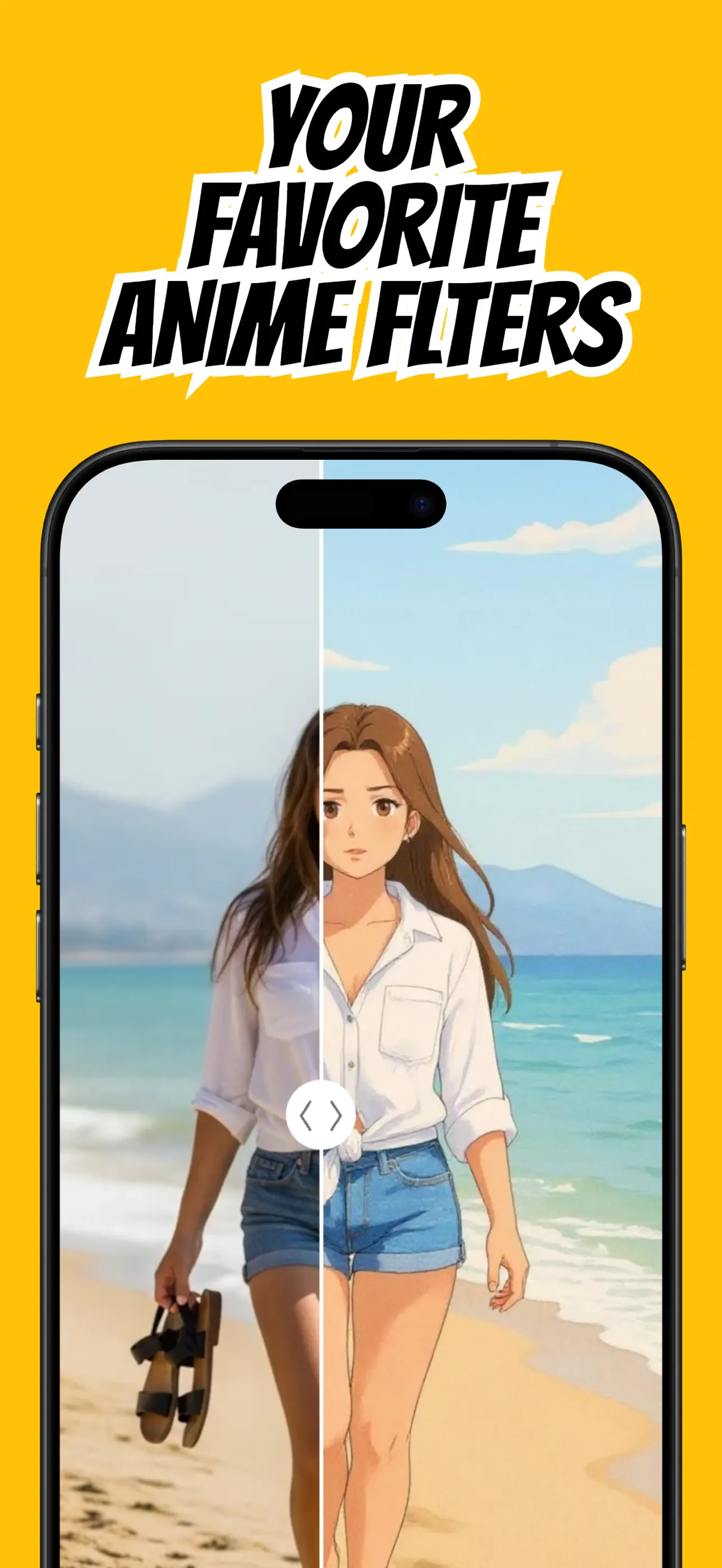
You do not need to draw or learn a desktop editor to cartoon yourself on iPhone. A style-based AI photo app can turn a normal selfie into character art in a few guided choices.
AnimAIte includes both anime and cartoon-oriented styles, so you can decide how subtle or playful you want the result to feel.
Decide what the cartoon is for
A profile picture benefits from a simple head-and-shoulders pose. A birthday post, group chat sticker, or playful share can use a stronger expression and more of the outfit.
Choosing the use first helps you select the right source photo and avoids awkward cropping at the end.
Pick a clean selfie
Choose a photo where your face is visible, in focus, and not covered by a phone or heavy shadow. Keep any glasses or accessories that are part of your recognizable look.
A plain wall, sky, or softly blurred setting keeps attention on the character. Busy backgrounds can still work, but they may become part of the stylized scene.
Apply a style in AnimAIte
Import the selfie and browse the available cartoon and anime filters. Select one that matches the energy of the photo, then generate the result.
If you want a different interpretation, try another style rather than reaching for manual editing controls. The app is designed to make variation quick.
Save the best version
Compare results at full size and as a small thumbnail. Save the image that remains expressive in both views.
Keep the original and generated file together. That makes before-and-after posts easy and gives you a source for future styles.
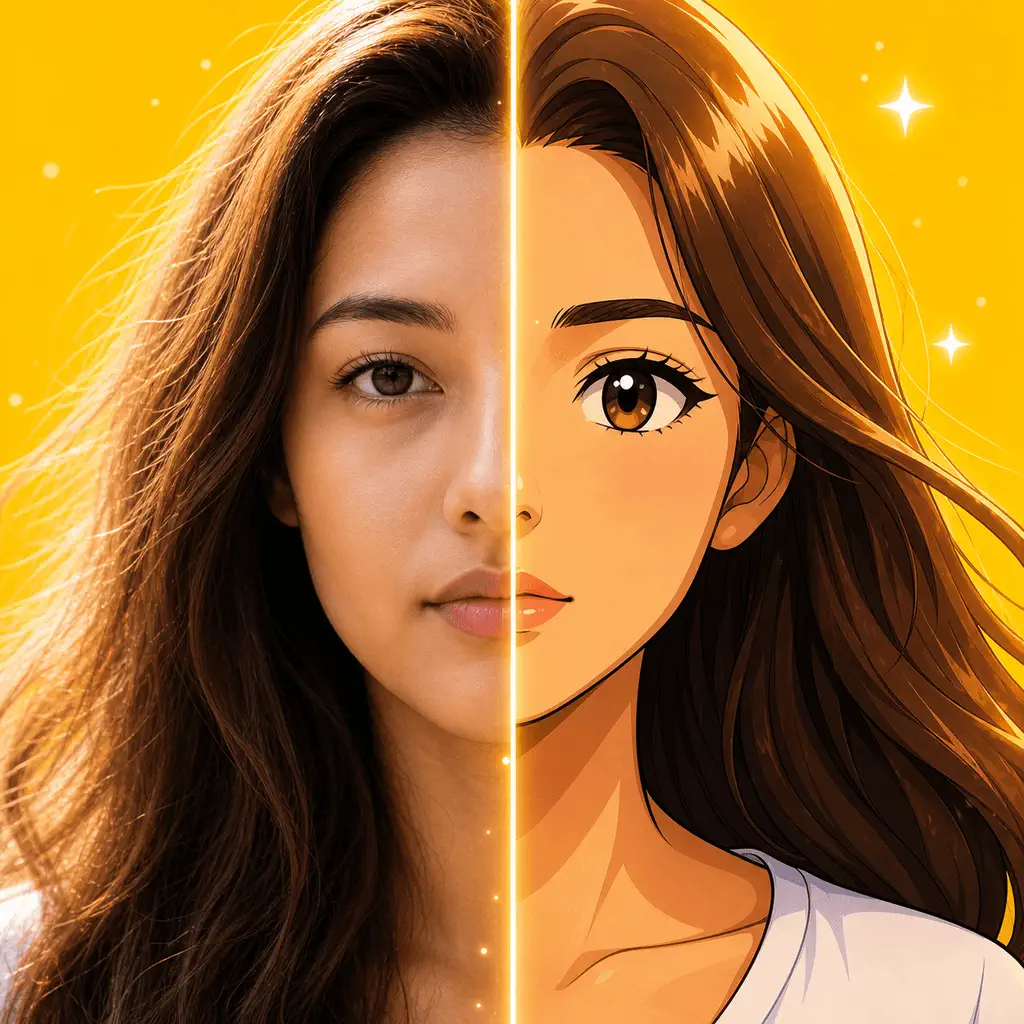
Put the guide into practice
Try it in AnimAIte
AnimAIte is an AI anime filter and avatar maker that transforms selfies, portraits, pets, and travel photos into expressive anime and cartoon artwork—without complicated editing.

Common questions
FAQ
Do I need photo editing experience?+
No. AnimAIte uses ready-made AI styles rather than a manual layers-and-brush workflow.
Can I save the cartoon to my phone?+
Yes. Save your chosen generated image to your device for sharing or use as an avatar.