
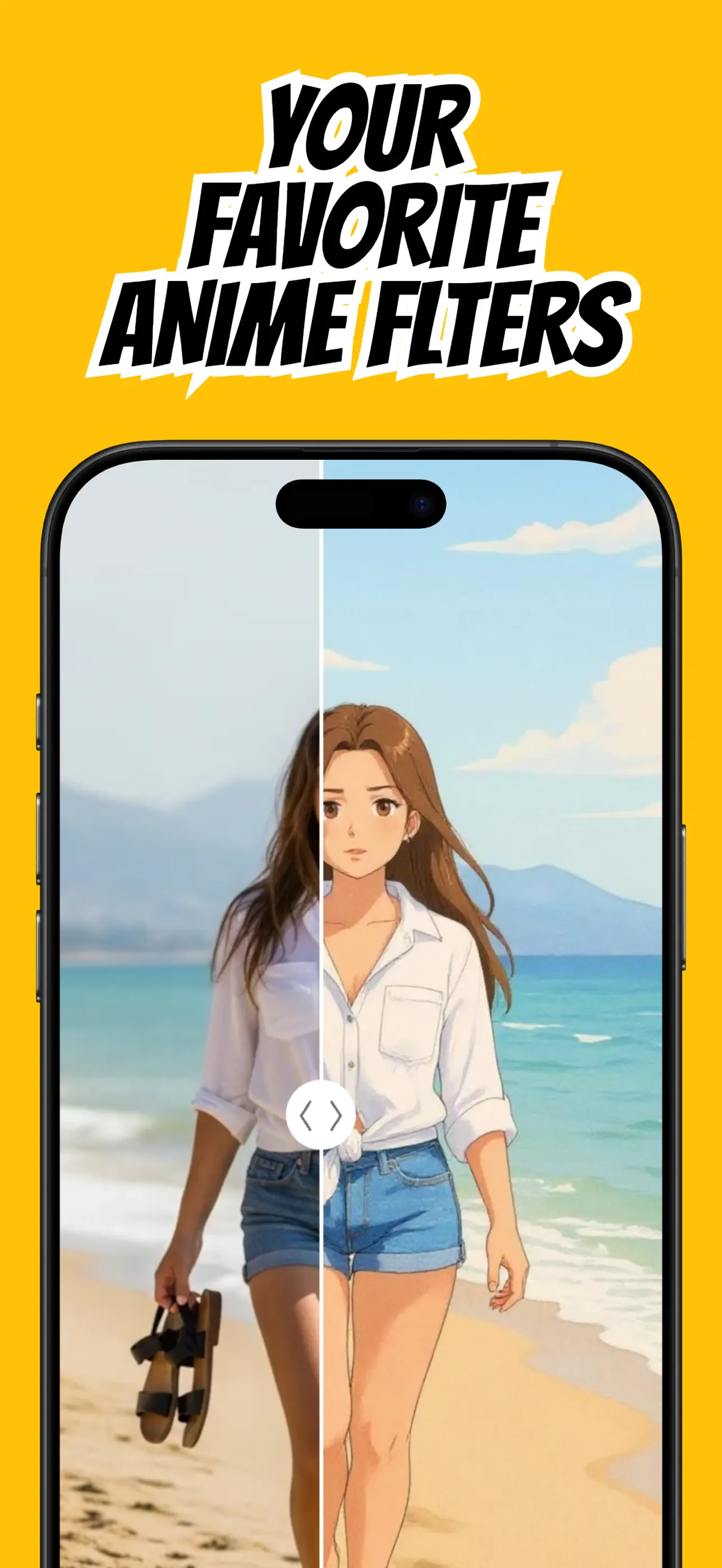
Pet portraits are ideal for stylization because ears, markings, posture, and expression create a strong visual identity. The best result begins with a photo that makes those traits easy to see.
AnimAIte can restyle pet pictures alongside selfies and scenes, letting you create an avatar, keepsake, or shareable character portrait.
Capture your pet at eye level
Photograph near your pet's eye level rather than pointing sharply down. This makes the face and body proportions easier to read and creates a more character-like composition.
Use treats or a familiar sound to get a visible expression, but avoid sudden movement that introduces blur.
Show the distinctive features
Keep the ears, eyes, muzzle, tail, and important coat markings inside the frame. These details are what make the final anime pet recognizable.
Choose a background that contrasts with the fur. A dark pet against a dark sofa can lose its outline; moving closer to a window or plain wall helps.
Choose a fitting style
A soft, colorful style can emphasize cuteness, while stronger line work can make an energetic pet feel like a story character. Try styles that fit the original pose rather than forcing a different mood.
Generate a few variations if the markings or expression change too much. Compare them against the source and keep the one that best captures your pet's personality.
Make the final image useful
Use a square or centered crop for a pet avatar. Keep a wider version for wallpaper, prints, or a before-and-after social post.
Only transform photos you are comfortable uploading to the app, and respect the owners of any pets or people visible in the background.
Put the guide into practice
Try it in AnimAIte
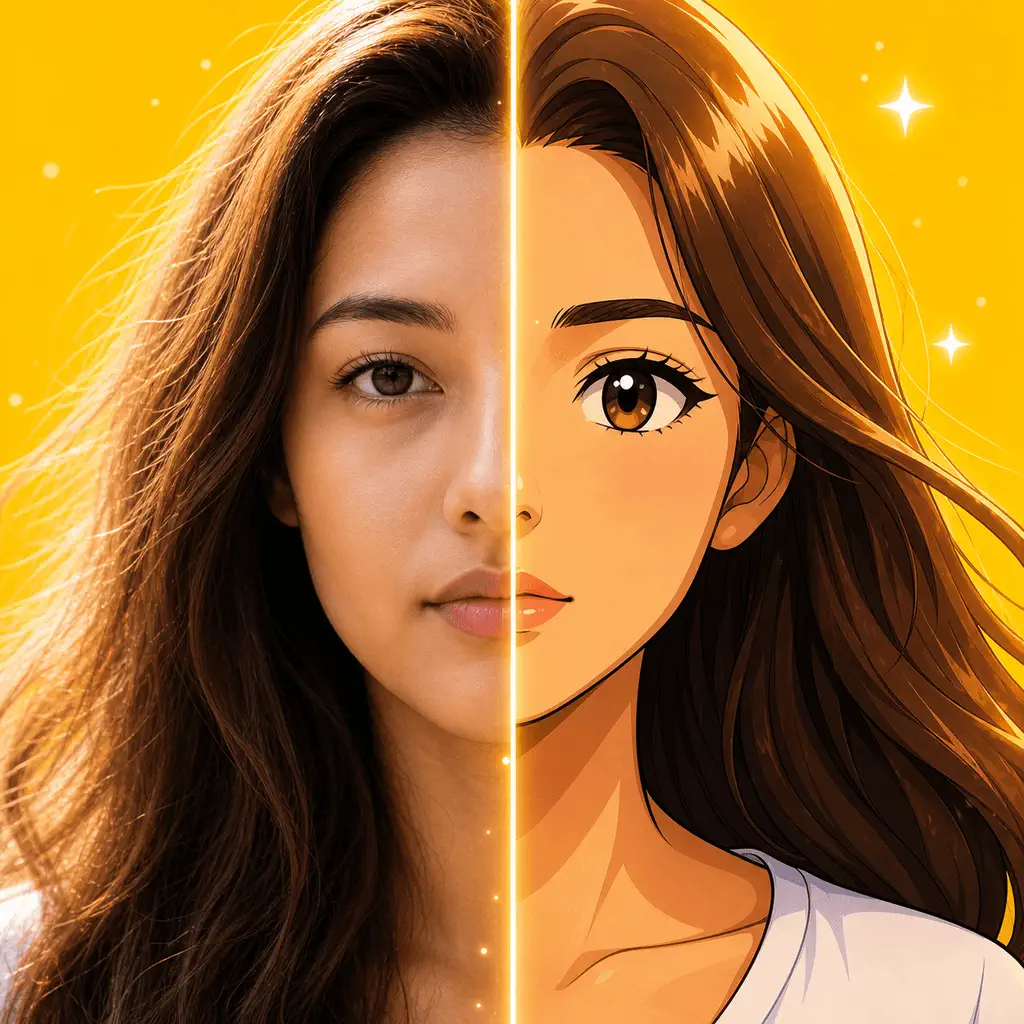
AnimAIte is an AI anime filter and avatar maker that transforms selfies, portraits, pets, and travel photos into expressive anime and cartoon artwork—without complicated editing.

Common questions
FAQ
Can I use a photo with a person and a pet?+
You can, but a dedicated pet portrait is more predictable. If both are included, keep both faces clear and separated.
What if my pet has dark fur?+
Use a bright, contrasting background and soft side or front lighting to reveal the outline and facial details.